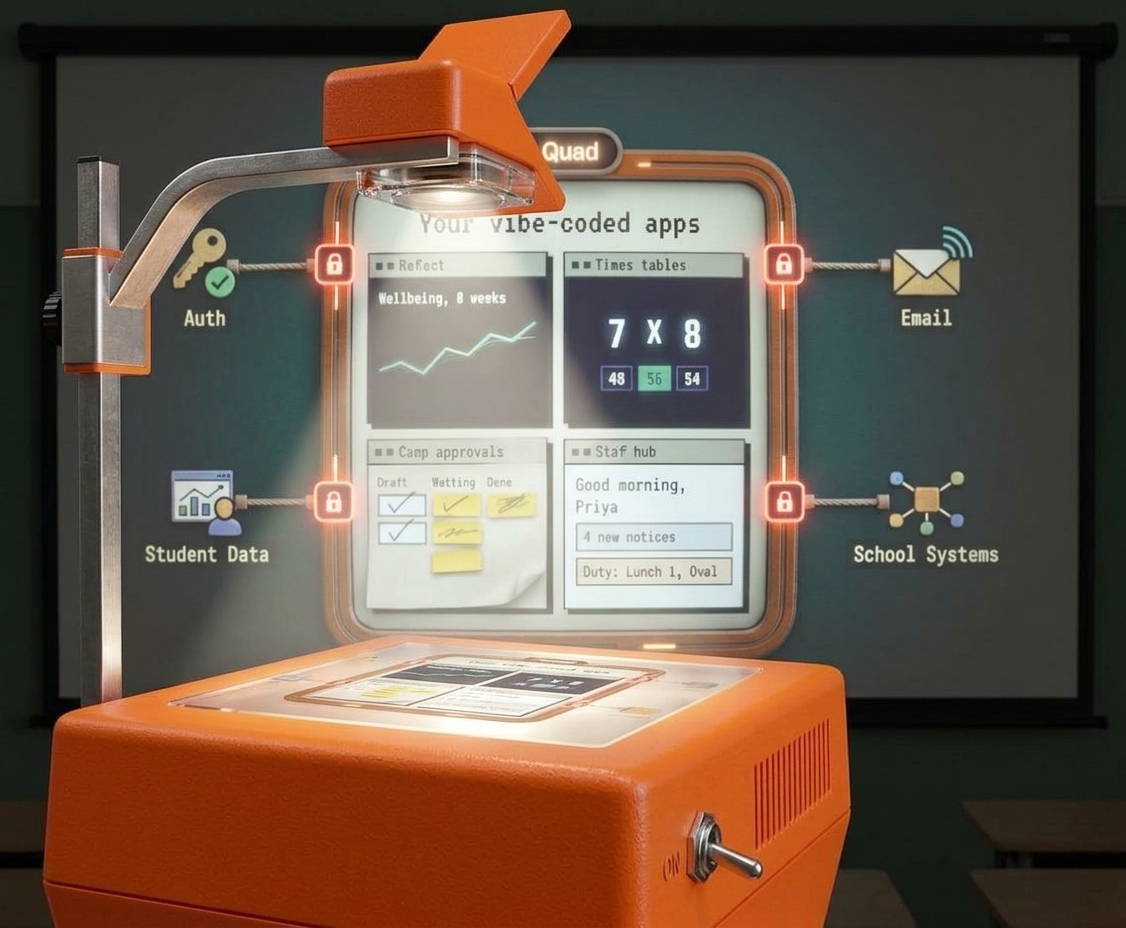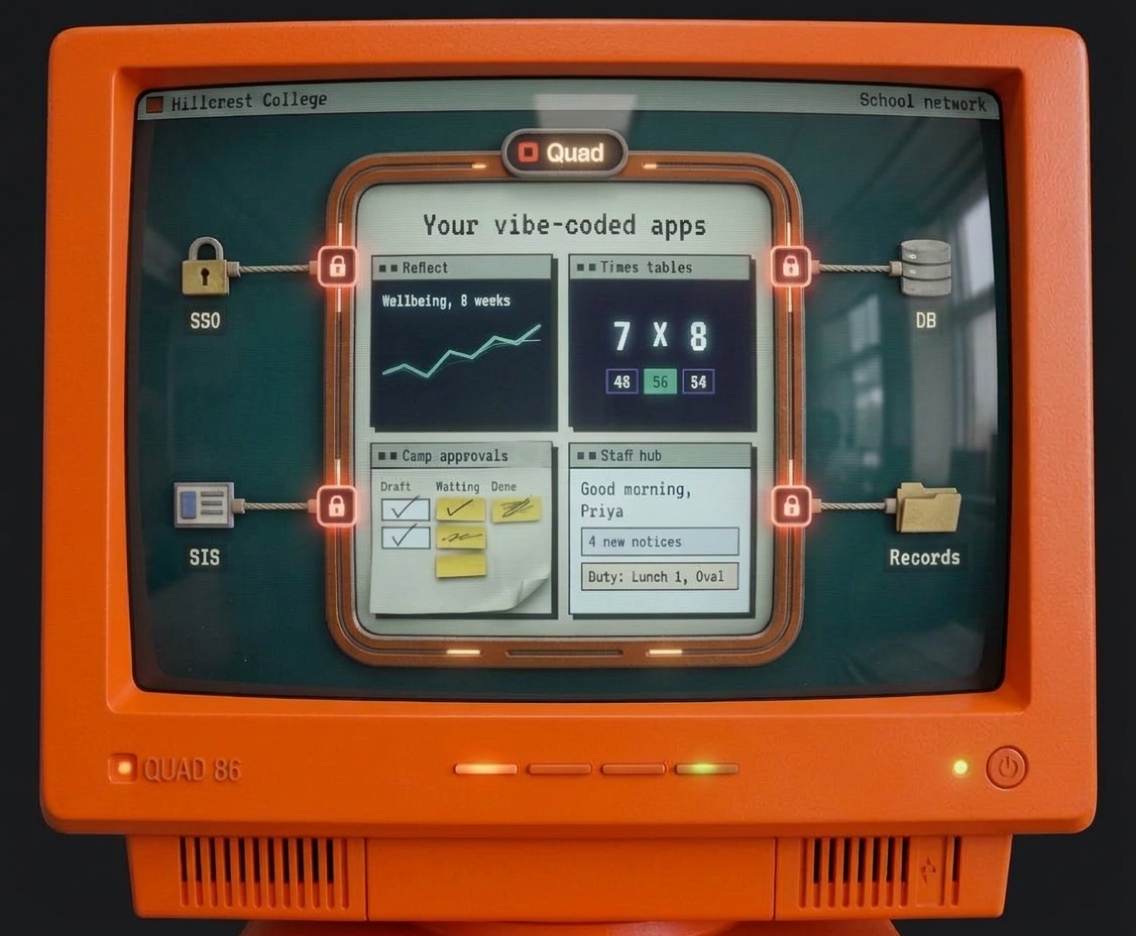
Describe the app you need. Quad builds it with everything a school asks for: sign-in, student data, security checks and IT approval.
Free to try. You don't need your school's permission until you want to use it with real students.
Your current architecture runs on your own infrastructure and has no way to securely connect to school data, on the school's own terms.
Your apps run inside the school's own Quad environment, providing your app the data it needs, and the school a governance and runtime they can trust.
Quad sits between your apps and each school. It connects them to the school's systems and student data, and keeps that data checked, controlled and in the school's region.
The missing layer between your apps and the schools that use them
Each school's data kept separate, in its region

Five testers invited. Pretend students, real feedback.
studentsclassesreading-levelsstudentsclassesreading-levelsFour steps. You can do the first two tonight. We handle the rest with your school.
Say what you need in plain English, or paste in something you've already built. Work in your own Claude, with the Quad connector or the Claude Code plugin, or in Quad's built-in AI builder. It takes shape in a sandbox on a simulated school, built from Quad's design kit so it looks like it belongs.
Keep going until it works. Share it with testers to try. Everything runs on Quad's simulated school, so there's nothing to ask permission for.
When it's ready for real data, press Connect. We review the app, your school gets a one-screen approval, and you get a link to forward to whoever says yes.
Bring your app to your school: approved by your IT lead, with your data kept in your region.
You pick your school, Quad shows exactly what the app will read and write, we review it, and your IT lead approves it on one screen. Until then, nothing goes near real data.
It runs in your school's Quad environment, behind your school's logins, with students, staff and classes coming straight from the SIS. Upgrades go through the same quick path.
Connect is how every Quad app reaches real people: your own school, or any school you bring it to.

You take your app to schools yourself. They can say yes because of what it runs on: every Quad app passes a security review, runs in Quad's secure runtime, and is governed from the school's own console. Set your own price to the school and include Quad's $30 per school per month in it.
Build and test on Quad's simulated school, and share it with testers before anyone real sees it.
Press Connect and it goes live for colleagues once your school approves it.
Show them the app yourself, or add their principal or IT lead as a tester. When they're ready, they approve it on one screen.
Start building free with your own Claude, or use Quad's built-in AI builder on Builder for $40 a month. Each app costs $30 per school per month: the school pays for apps its own staff build, and outside builders pay for the apps they sell to schools.
Build with your own Claude
For creators building for schools
You set your own price and sell to schools directly. Quad charges you $30 per school per month for each school running your app, so it becomes part of your infrastructure cost.
Govern every app your staff bring you. Build your own when you're ready.
Your school pays. The app runs in your school console, in your region.
You agree a price with the builder directly; it's their SaaS app. It still runs in your school's own console, with the governance features built in, and the builder pays Quad as part of their infrastructure cost.
For schools, systems and districts that want their own staff to build: unlimited internal apps, staff and student building, Sandbox, UAT and Prod environments, internal publish, AI building billed monthly with a cap you set, a dedicated, isolated environment for your school alone, bring your own domain, guided onboarding and priority support.
How is AI charged? Free uses your own Claude subscription, so Quad doesn't charge for AI. Builder includes a monthly building allowance, shown as a meter; if it runs out, the builder waits until it resets or you top up. On the Enterprise plan, AI building is billed monthly for actual usage, with a cap the school sets. Running an app never uses AI.
Who can build on Quad? Anyone with an idea for their school: teachers, operations staff, and entrepreneurs building for schools. Students build and use apps only inside their school's own Quad, once the school turns it on.
Does my school have to buy Quad to use an app? No. Your school only pays for the apps it uses: $30 per app per month for apps your own staff build. Apps you buy from an outside builder are priced by that builder.
Who pays for an app? Whoever brings it to the school: the builder, who includes it in their price, or the school, for apps its own staff build. It can be switched later, for example if a school takes over an app.
What happens if a builder stops paying? The school is notified, has a grace period, and can take over payment so the app keeps running.
Does running an app use AI? No. AI helps build the app; running it doesn't.
Do you have a data processing agreement? Yes. A standard agreement comes with setting up your school's console, and a formal version is available on request.
| What a real school app needs | Your prototype | On Quad |
|---|---|---|
| Sign-in with school accounts (SSO) | ✕ | ✓ |
| Student, staff and class data from the SIS | ✕ | ✓ |
| Roles and access controls | ✕ | ✓ |
| Email and notifications | ✕ | ✓ |
| Data security and governance | ✕ | ✓ |
| Runs inside the school's Quad environment | ✕ | ✓ |
| Assurance a school's IT team can say yes to | ✕ | ✓ |
Maybe you've already done it: an app that works beautifully on your laptop. Then you try to roll it out and hit the wall. No school sign-in, no student data, no idea who should see what, no way to email anyone, and nothing an IT team would ever sign off on. It isn't production ready, and a school won't accept it as it is.
Even if one did, you'd still need a way into the school's systems, and a way to get other schools to say yes.
| App | Built by | Reads | Approved | Last change |
|---|---|---|---|---|
| Reading tracker | S. Lim, Year 2 | students · classes | J. Park, IT · 12 Aug | 4 Oct |
| Camp approvals | R. Patel, Ops | students · staff · consent | J. Park, IT · 3 Sep | 29 Sep |
| Staff reflections | M. Okafor, Deputy | staff · faculties | J. Park, IT · 15 Jul | 1 Oct |
| Times tables sprint | A. Reyes, Grade 10 | students · classes | Awaiting review | 6 Oct |
Connects with
The student, learning and productivity systems your school already runs.
Govern every app your staff bring you. Every app arrives with its own record, so your IT lead can approve it on one screen instead of weeks of meetings.
The first question will be what the app can see. On Quad the answer already exists, because every app carries its own record: who built it, what it reads and writes, who approved it, and when it last changed.
Your school's data is kept separate and stays in your region, so it meets the data residency rules that apply to you. Quad works for schools anywhere. Need an environment for your school alone? That's part of the Enterprise plan.
Every app reaches outside systems through Quad's data gateway, and asks for exactly the data it needs. A reading tracker can't see medical notes because it was never granted them.
Building and testing happen on simulated school data. Live records are touched only once the school has approved the app.
A technical review by Quad, a one-screen approval by the school. That's the whole process, and it's what lets IT say yes quickly.
Microsoft 365 Copilot apps and AI app builders are great at the first afternoon. Here's what happens when the app needs real school data, real students and parents, and a yes from IT.
Swipe to compare →
| Feature | Quad | Microsoft 365 Copilot apps | AI app builderssuch as Lovable and Base44 |
|---|---|---|---|
| Build an app by describing it | ✓ | ✓ | ✓ |
| Works for Microsoft and Google schools | ✓ | ✕Microsoft 365 only | ✓ |
| Student, class and timetable data from your SIS | ✓Built in | ✕Microsoft 365 data only | ✕Build it yourself |
| Students and parents can use your apps | ✓Any age, school controlled | ✕Licensed staff in your organisation | –Public sign-up, no school roles |
| School sign-in and school roles | ✓Staff, students, parents, classes | –Microsoft accounts and permissions | ✕ |
| No per-user licence to use an app | ✓ | ✕Copilot licence per user | ✓ |
| Expert code review and AI security scans | ✓ | –Admin policies | ✕ |
| School data kept separate, in its region | ✓ | ✓In your Microsoft 365 tenant | –Depends on the builder's hosting |
| An approval record IT can sign off | ✓ | –Admin centre controls | ✕ |
| Take your app to other schools | ✓Assurance reports and one-screen approval | ✕Your organisation only | –You prove it's safe yourself |
✓ Yes – Partly ✕ No. Based on publicly available information as at October 2026. Copilot apps are in preview and may change. Microsoft 365 Copilot, Lovable and Base44 are trademarks of their respective owners.
It starts free, it takes an afternoon, and nothing goes near your school's data until you say so.
Tell us who you are and we'll be in touch.
We'll be in touch from hello@quad.education soon.